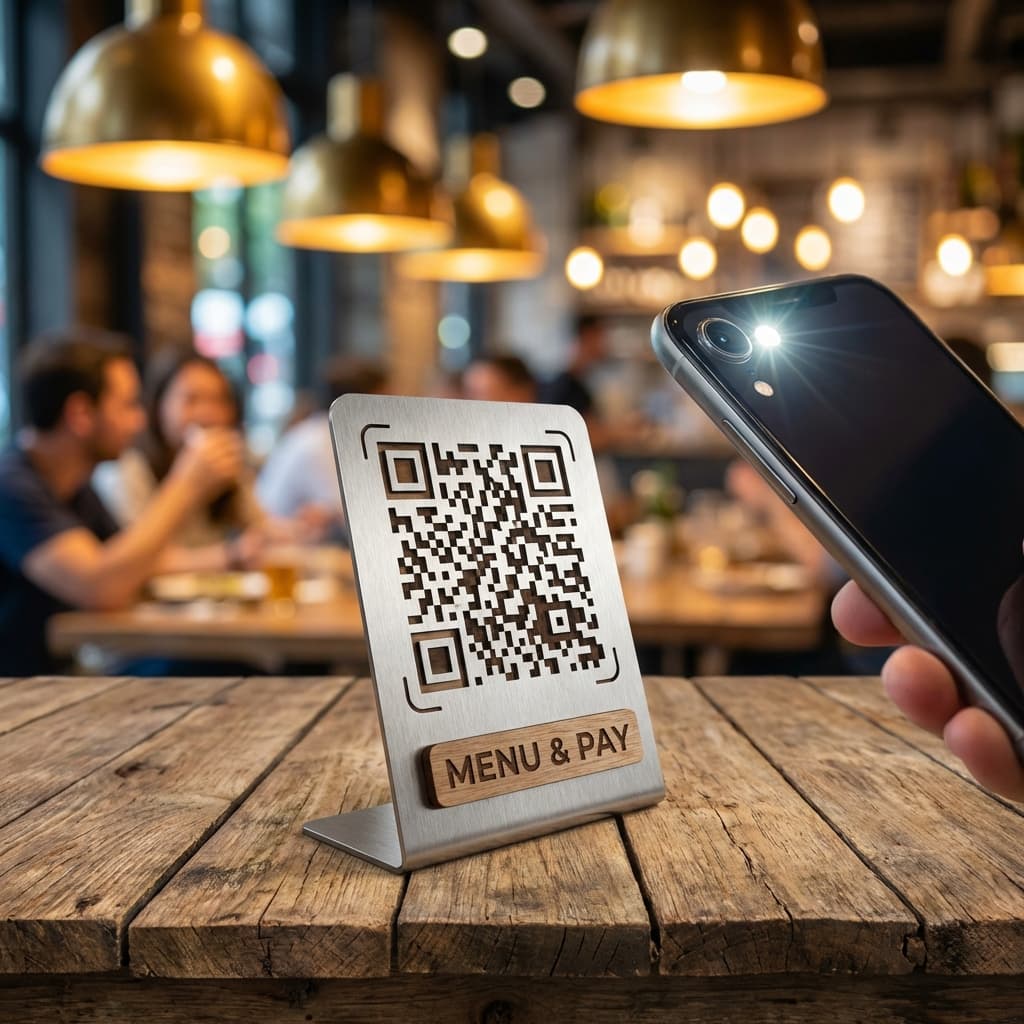
The days of waiting for a waiter to hand you a physical menu are fading. QR ordering has rapidly transformed the restaurant dining experience, offering unparalleled convenience for guests and massive operational efficiencies for owners.
A QR ordering system allows customers to view a digital menu, place orders, and make payments directly from their smartphones simply by scanning a QR code placed on their table.
What started as a touchless safety measure has now evolved into a core piece of restaurant technology. In this comprehensive guide, we'll explain how QR ordering works, its core benefits, and why restaurants are adopting it over traditional waiter ordering.
What is a QR Ordering System?
A QR ordering system is a contactless digital platform that connects a physical table in a restaurant to the establishment's digital menu and point-of-sale (POS) system. By scanning a Quick Response (QR) code, customers bypass the need for physical menus or waiting for staff to take their order.
The modern QR ordering experience usually involves these key components:
- The QR Code: A unique barcode placed on the table, often linked to that specific table number.
- The Digital Menu: A mobile-optimized, interactive menu showing items, photos, and prices.
- The Order Engine: The backend system that routes the customer's selections directly to the kitchen display system (KDS) or printer.
- The Payment Gateway: An integrated checkout that lets customers pay via UPI, cards, or digital wallets right from their phone.
How QR Ordering Works
The customer journey with a QR ordering system is designed to be frictionless. Here is the step-by-step process.
1. Scanning the Code
The customer sits at their table and uses their smartphone camera to scan the QR code sticker. No app download is required; the code simply opens a web browser link specific to that restaurant and table.
2. Browsing the Menu
The customer sees a vibrant, categorized digital menu. They can view high-quality images of the dishes, read descriptions, check allergy information, and see current prices. If an item is sold out, it is instantly removed from the view, preventing disappointment.
3. Customizing the Order
Customers can customize their meals using add-ons and modifiers. For instance, they can select "Extra Cheese," choose their spice level, or remove specific ingredients, all without having to explain it to a waiter.
4. Order Placement
Once the cart is ready, the customer hits "Place Order." The system instantly routes this order to the kitchen. Since the QR code is tied to the table number, the kitchen staff knows exactly where the food needs to go.
5. Payment and Checkout
When the customer is ready to leave, they don't need to ask for the bill. They can simply view their total on their phone and pay using integrated digital payment methods. The transaction is automatically recorded in the restaurant billing software.
QR Ordering vs Waiter Ordering
Why are restaurants making the switch? Let's compare traditional waiter ordering with QR ordering.
| Feature | Waiter Ordering | QR Ordering |
|---|---|---|
| Speed | Depends on staff availability | Instant, at the customer's pace |
| Accuracy | Prone to miscommunication | 100% accurate; customer controls input |
| Menu Updates | Requires reprinting menus | Instant digital updates |
| Upselling | Relies on staff training | Automated prompts for extras |
Benefits of Implementing QR Ordering
Adopting a QR ordering system offers profound benefits for both the business and the customer.
Increased Average Order Value (AOV)
Studies show that customers order more when using digital menus. The pressure of a waiter standing over them is removed, allowing them to browse longer. Furthermore, the system automatically prompts add-ons (like "Add fries for ₹50"), leading to effortless upselling.
Improved Order Accuracy
Mishearing an order in a loud restaurant is common. With QR ordering, the customer selects exactly what they want. You can learn more about this in our article on how QR ordering improves billing accuracy.
Faster Table Turnover
Customers no longer wait for a menu, wait to place their order, or wait for the check. This trims significant dead time from the dining experience, allowing restaurants to serve more tables per shift.
Reduced Labor Costs
While QR ordering doesn't replace staff entirely, it shifts their focus from taking orders to delivering hospitality. Restaurants can operate smoothly with a leaner front-of-house team, significantly reducing labor overhead.
Ready to implement QR Ordering?
Let your guests order and pay directly from their phones with Epitto.
Start Your Free Trialarrow_forwardIntegration with Billing and ERP Systems
A standalone QR menu is just a PDF. A true QR ordering system integrates seamlessly with your broader operations.
When a customer places an order, the data must flow into your billing software to generate an invoice. Furthermore, advanced restaurants connect this data to their Restaurant ERP system to track ingredient usage and update inventory in real-time.
Conclusion
QR ordering systems have moved from being a novelty to an absolute necessity for modern restaurants aiming to scale efficiently. By giving customers control over their dining experience, restaurants benefit from higher sales, fewer errors, and faster table turnovers.