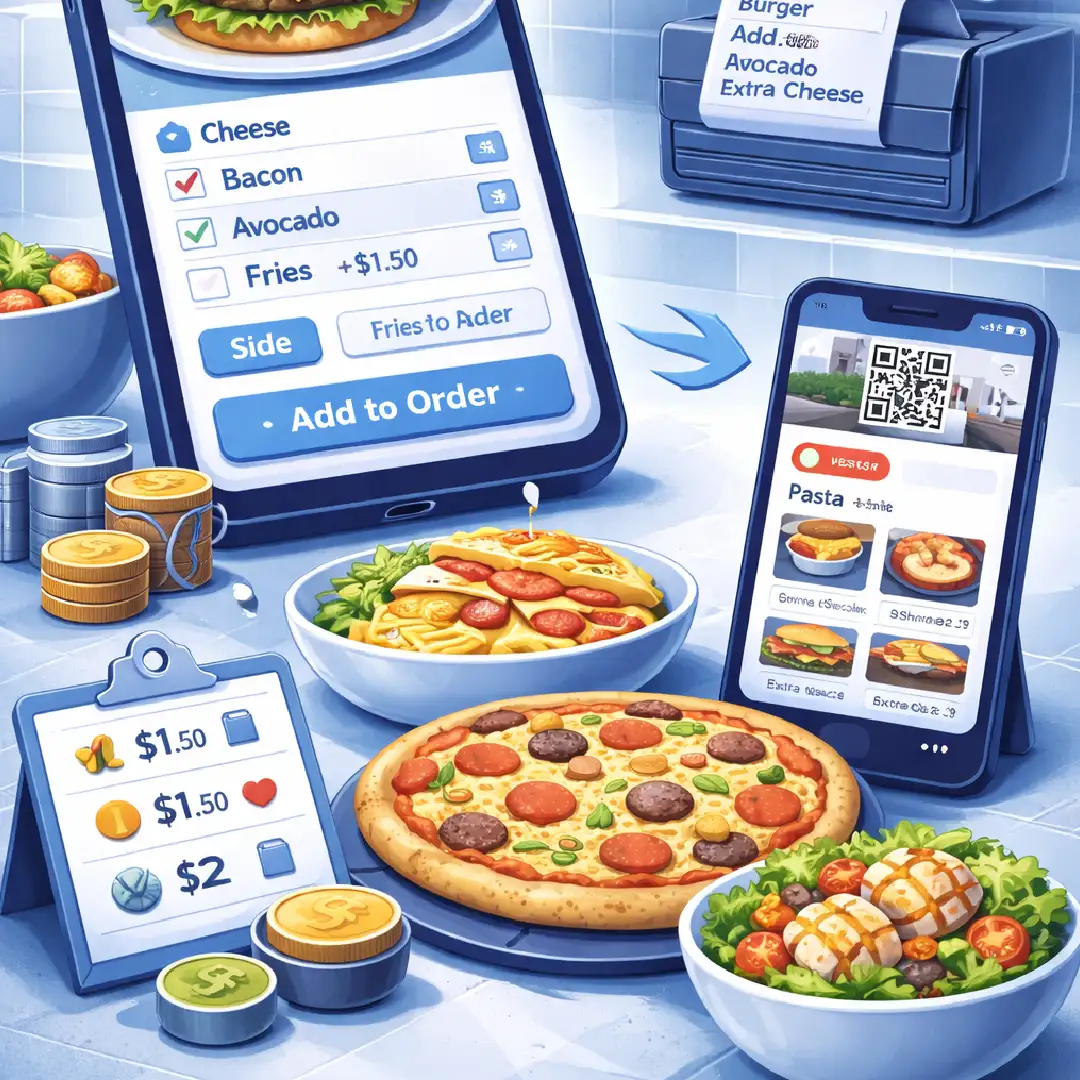
"Structured customization isn't just a convenience—it's a high-margin revenue engine that powers modern restaurant operations."
What Are Restaurant Menu Add-ons?
Restaurant menu add-ons are structured customization options that allow customers to modify a base menu item by selecting additional ingredients, toppings, preparation preferences, or enhancements, usually at an additional cost.
In modern restaurant systems, add-ons are managed through modifier groups inside a pos system or qr ordering platform. These systems define:
- What options can be selected
- Whether selection is required
- How many options can be chosen
- How pricing is calculated
- How selections appear in kitchen tickets
Without structured add-on management, customization becomes inconsistent, error-prone, and difficult to scale.
Try it Himself: Interactive Modifier Demo
Experience how structured modifiers work in a real-time ordering system.
What Are Menu Modifiers in a POS System?
Menu modifiers are selectable configuration options attached to a menu item. A modifier may represent extra ingredients, choice of cheese, sauce preference, or even cooking level.
Modifiers are grouped into modifier groups. Each group has defined rules. For example, a "Cheese" group might require exactly one selection, while a "Sauces" group might allow up to three optional selections.
Why Restaurant Add-on Management Is Operationally Critical
1. Increases Average Order Value (AOV)
Structured add-ons introduce upselling during ordering. When customers are presented with relevant enhancements, ticket size increases without raising base prices. This turns customization into measurable revenue.
2. Eliminates Manual Pricing Adjustments
In manual systems, staff often adjust totals when customers request extras. This creates billing inconsistencies, tax errors, and revenue leakage. Structured add-on pricing ensures totals are calculated automatically and consistently.
3. Reduces Kitchen Errors
Clear modifier formatting ensures kitchen tickets display selected options, required selections, and special instructions clearly. Unlike verbal notes, structured data reduces misinterpretation.
4. Standardizes Ordering Across Channels
Restaurants today operate across counter POS, table service, QR ordering, and online platforms. Without a centralized modifier system, rules differ between channels. Structured add-ons ensure consistency everywhere.
Add-ons vs Variants: What Is the Difference?
This distinction is critical for correct menu architecture:
Variants: Change the base version of an item (e.g., Small, Medium, Large Pizza). Variants affect base price and portion size.
Add-ons: Enhance a base item without replacing it (e.g., Extra cheese, double patty). Add-ons are optional and layered on top.
Types of Restaurant Add-on Structures
- Required Single-Select: Used when a customer must choose one option (e.g., Bread type).
- Optional Multi-Select: Customers can select multiple options within a defined limit (e.g., Toppings).
- Minimum and Maximum Rules: Advanced systems allow rules like "Select at least 1, up to 3".
- Tier-Based Add-on Pricing: Options can have different prices (Standard vs Premium).
- Conditional Modifiers: Modifiers that appear based on other selections.
How Epitto Handles Restaurant Menu Add-ons
Epitto is a cloud-based restaurant ERP system that combines restaurant billing software, POS, QR ordering, and ERP-level reporting. Within Epitto, restaurants can create reusable modifier groups, set selection limits, and track add-on sales in real-time dashboards.
Optimize Your Menu with Epitto
Take control of your modifier management and increase your AOV today.
Try Epitto for Freearrow_forward